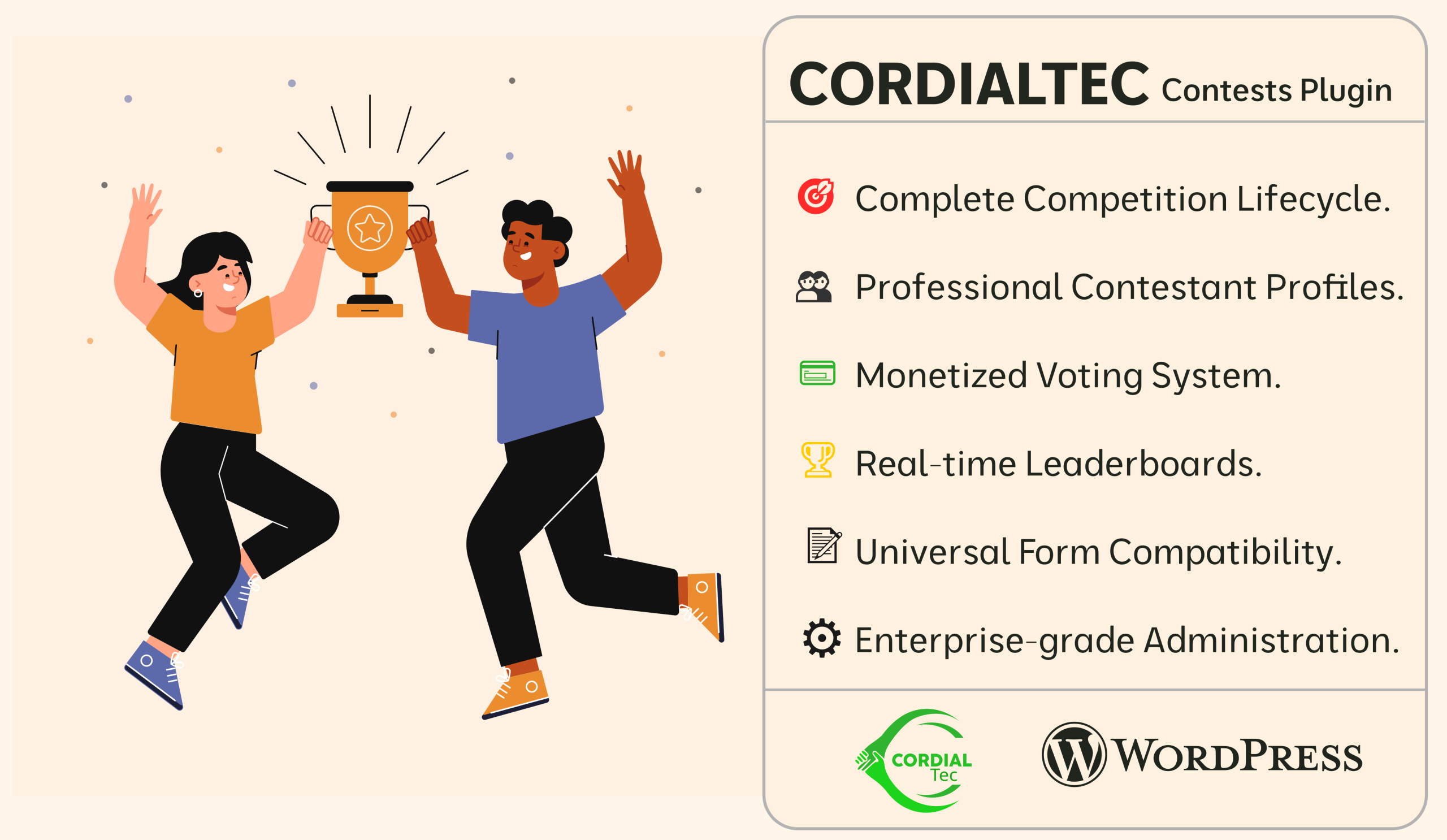
Ultimate Competition infrastructure with Real-time Voting functionality, Dynamic Leaderboards, and full Contestant Management. Features include competition entry and application system, interactive voting with vote quantity selection, contestant profiles with photos and information, live vote count display, competition leaderboards with rankings, real-time ranking updates, contestant search and browsing, vote confirmation and tracking, competition timeline and status, with results and winner announcements.
📖 What This Plugin Does
Imagine you want to run a competition on your website – like a singing contest, photo competition, or talent show. This plugin gives you everything you need:
- Create competitions with start and end dates
- Accept applications from people who want to compete
- Let visitors vote for their favorites
- Show live rankings that update automatically
- Announce winners when the competition ends
It’s like having your own “American Idol” or “The Voice” on your website, but you control everything.
🛠️ Getting Started – Simple Steps
Step 1: Install the Plugin
- Go to your WordPress dashboard
- Click “Plugins” → “Add New”
- Upload the plugin file or search for “Cordial Contest”
- Click “Install” then “Activate”
Step 2: Make Your First Competition
- In your WordPress menu, you’ll see “Cordial Contests”
- Click “Competitions” → “Add Competition”
- Fill in:
- Competition Name: “Best Photographer 2024”
- Start Date: When voting begins
- End Date: When voting ends
- Prize Info: What the winner gets
- Click “Publish”
Step 3: Add People to Compete
- Click “Contestants” → “Add Contestant”
- Enter:
- Name: Contestant’s full name
- Photo: Upload a good profile picture
- Bio: Tell their story
- Select Competition: Choose the one you just made
- Click “Publish”
Step 4: Show It on Your Website
Create a new page or edit an existing one. Add this shortcode:
[leaderboard]Publish the page. That’s it! Visitors can now see and vote.
👀 What Your Visitors Will See
The Leaderboard Page
This is the main voting page. Visitors will see:
- All contestants in order of votes (most votes first)
- Each contestant’s photo, name, and vote count
- A “VOTE” button next to each contestant
- Filter options (Today, This Week, Custom Dates)
How Voting Works for Visitors
- They visit your leaderboard page
- They find their favorite contestant
- They click the “VOTE” button
- They choose how many votes (1, 2, 5, etc.)
- They click “VOTE NOW”
- They complete checkout (if voting costs money)
- The votes are counted immediately
The Calendar Feature
Visitors can:
- Click “Custom” on the leaderboard.
- A calendar pops up in the middle of the screen
- Select any date
- Click “Apply Date”
- See who was leading on that date
🎛️ Admin Features You Control
Competition Management
- Open/Close Competitions: Like turning voting on and off
- Extend Deadlines: Add more time if needed.
- Set Vote Prices: Free voting or charge per vote.
- Limit Votes: Control how many times people can vote.
Contestant Management
- Approve Applications: Review before they appear publicly
- Feature Top Contestants: Highlight them on the page
- View All Data: See every vote, every applicant
- Manual Adjustments: Fix mistakes if needed
Monitoring
- Live Vote Counts: Watch numbers update in real-time
- Email Notifications: Get alerts for important events
- Problem Detection: System warns you if something’s wrong
💳 Setting Up Payments (Optional)
If You Want Paid Voting:
- Install WooCommerce (free plugin)
- Create a product called “Vote”
- Set the price (₦50, ₦100, etc.)
- Our system automatically connects to it.
If You Want Free Voting:
Just skip the WooCommerce part. Voting will be completely free.
📝 Shortcodes – The Easy Way to Display Things
Basic Shortcodes (Copy & Paste):
Show the Main Voting Page:
[leaderboard]Show All Contestants:
[contestant_loop]Add an “Apply Here” Button:
[apply_now_button]Customize Your Display:
Show Specific Competition:
[leaderboard competition_id="123"](Find the ID in your competitions list)
Two-Column Contestant Display:
[contestant_loop columns="2"]Custom Button Text:
[apply_now_button button_text="Join Now"]❓ Frequently Asked Questions
Q: How long does voting stay open?
A: As long as you set in the competition dates. You can change it anytime.
Q: Can people vote multiple times?
A: Yes, but you control how many times. You can set daily limits or total limits.
Q: What if someone tries to cheat?
A: The system detects unusual voting patterns and you can manually review votes.
Q: Can contestants see their own ranking?
A: Yes, everyone sees the same public Leaderboard.
Q: How do winners get announced?
A: You can announce them manually, or the system can show final rankings.
Q: What happens after the competition ends?
A: Voting stops automatically. You can then start a new competition.
Q: Can I run multiple competitions at once?
A: Yes! Create as many as you want.
🚨 Common Issues & Solutions
Issue: Votes aren’t counting
Fix this by:
1.) Check if the competition dates are still valid.
2.) Make sure WooCommerce is working (for paid voting).
3.) Clear your browser cache (press Ctrl+F5)
Issue: Calendar cuts off
Fix this by:
1.) Click “Custom” button.
2.) Calendar appears as popup – it should show completely.
3.) If not, refresh the page
Issue: Contestants not showing up
Fix this by:
1.) Check they are “Approved” (not “Pending”).
2.) Make sure the competition is “Open”.
3.) Clear your website cache.
Issue: Payment problems
Fix this by:
1.) Test with a small amount first.
2.) Check your Woo Commerce Settings.
3.) Make sure your payment method is active.
📈 Running a Successful Competition
Before You Start:
Before You Start:
Plan Dates: Give enough time for voting
Set Rules: Clear guidelines for contestants
Prepare Prizes: Have rewards ready
Test Everything: Do a trial run yourself.
During the Competition:
- Promote Daily: Share on social media
- Update Followers: Post leaderboard changes
- Engage Contestants: Encourage them to promote themselves
- Monitor Closely: Watch for any issues
After the Competition:
- Announce Promptly: Don’t keep people waiting
- Share Results: Show final rankings
- Thank Everyone: Appreciate participants and voters
- Analyze Data: Learn for next time
🔧 Advanced Features (When You’re Ready)
Email Notifications
Set up automatic emails for:
- New contestant applications
- Vote confirmations
- Competition reminders
- Winner announcements
Custom Styling
Change colors, fonts, and layouts to match your website brand.
Vote Packages
Offer special deals: “10 votes for ₦500” or “Unlimited voting package”
Sponsorship Integration
Add sponsor logos and messages to the voting pages.
Multi-Language Support
Display everything in different languages.
🤝 Getting Help
When to Contact Us:
- Setup isn’t working after following instructions
- Payments not processing correctly
- Can’t figure out a specific feature
- Need customization beyond basic setup
- Found a bug or error message
What to Include When Contacting:
- Your website URL
- What you’re trying to do
- What’s happening instead
- Screenshots if possible
Response Time:
- Email: Within 24 hours
- Phone: During business hours
- Urgent issues: Mark email as “URGENT”
💭 Final Tips
Start Simple
Don’t try every feature at once. Start with a basic competition, then add features as you get comfortable.
Test with Friends
Before launching publicly, have friends test the voting process and give feedback.
Keep Backup
Regularly backup your WordPress site, especially during active competitions.
Watch Analytics
Use Google Analytics to see how many people are visiting and voting.
Have Fun!
Competitions should be enjoyable for everyone – you, the contestants, and the voters.
🎯 Ready to Start?
- Install the plugin
- Create your competition
- Add contestants
- Add
[leaderboard]to a page - Promote it to your audience
- Watch the votes come in!
Remember: We’re here to help at every step. If you get stuck or confused, just reach out.
📞 Our Contact Information
Email: info@cordialtec.com.ng
Phone: +2348032884596
Website: https://cordialtec.com.ng
Support Hours: Monday-Friday, 9AM-5PM WAT
Good luck with your Competition! 🏆